
Verify Prometheus is running and serving metrics
remote_write.
To verify that Prometheus is running and serving metrics:
Log in to the machine on which Prometheus is installed.
If required, switch to a user that has administrative privileges.
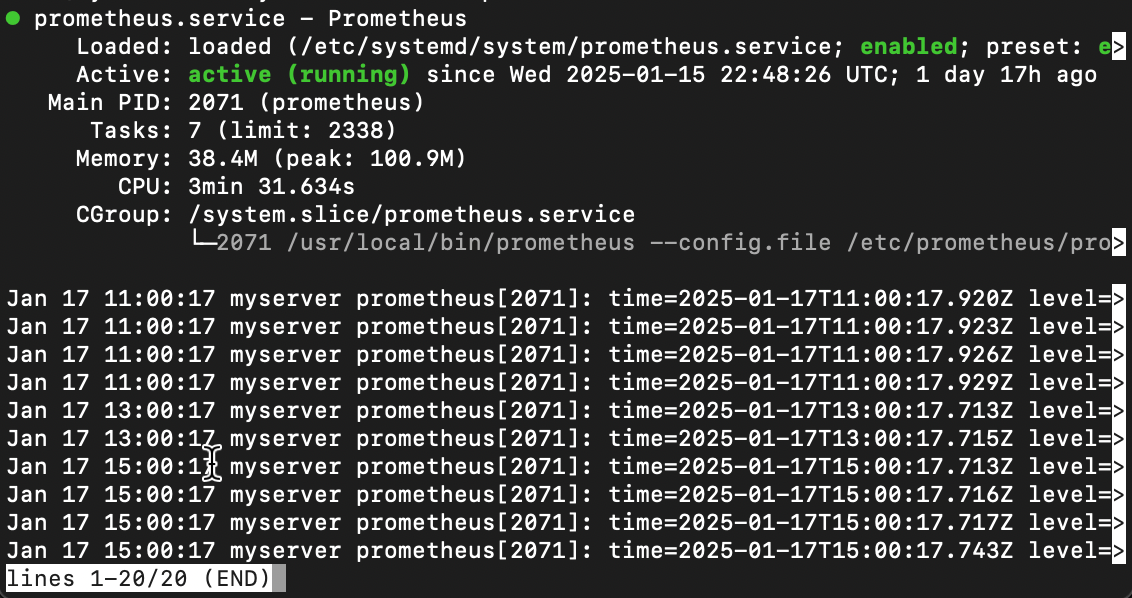
Check the Prometheus service status.
For Linux with systemd:
systemctl status prometheusFor Windows:
sc query prometheusThe service should report that it’s active or running:
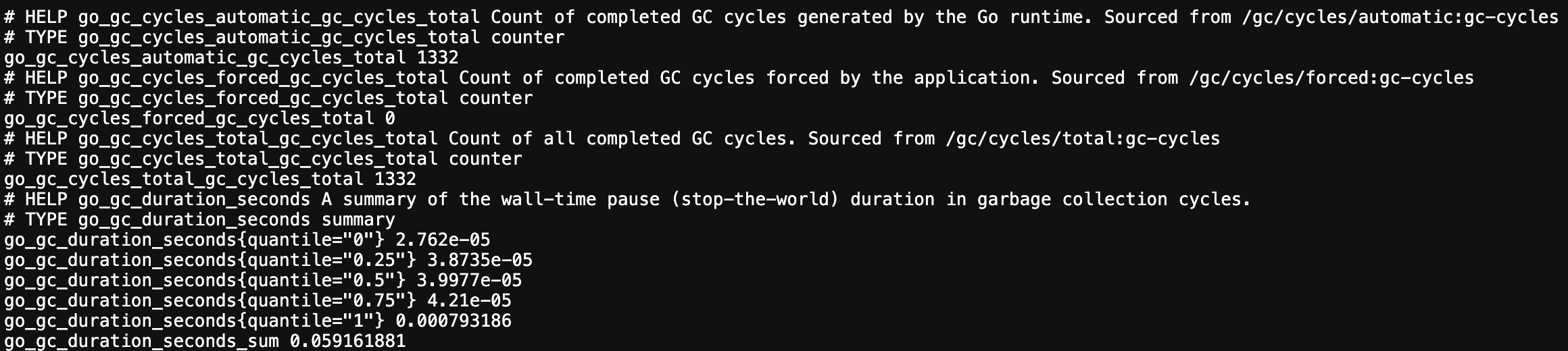
In a browser, open the metrics endpoint of your Prometheus server. By default Prometheus listens on port
9090.For example, navigate to
http://localhost:9090/metricsThis page lists the metrics Prometheus exposes about itself. If it loads, Prometheus is running and reachable.
To confirm that Prometheus is also scraping your own targets, navigate to
http://localhost:9090/targets.Each target you configured under
scrape_configsshould show the state UP. These are the metrics thatremote_writesends to Grafana Cloud.
Tip: If the service isn’t running or a target isn’t UP, fix that first. Refer to the Prometheus documentation for installation and scrape configuration.